
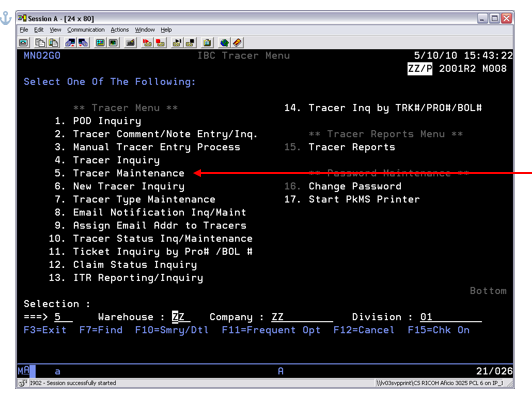
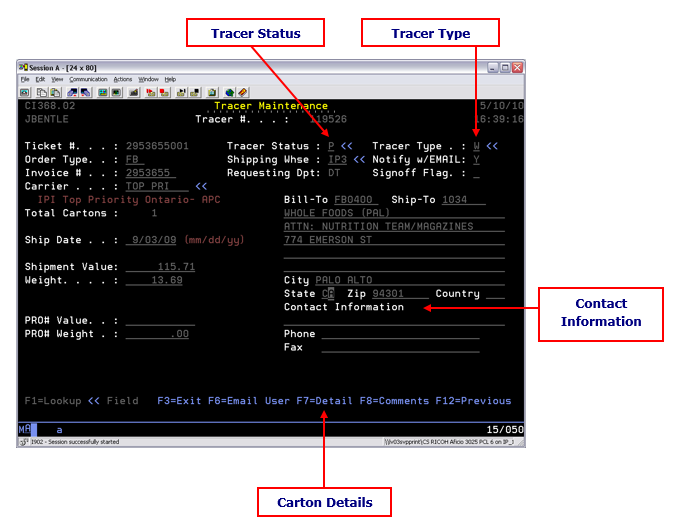
The Tracer Maintenance option may be used to do any of the following:
- Cancel a Tracer
- Change the Tracer Status
- Change the Tracer Type
- Update the Detail screen with Shortages &/or Damages
- Change/Update the Contact Information
- After the updates are complete press Enter
- If a change is made to either the Tracer Status or Tracer Type you will be required to press F16
- You will have the ability to mark the Transportation Specialist for email notification again
- It is important to alert Transportation when a change to Tracer Status or Tracer Type is made
- You may update the Comments section of the Tracer as needed
- Ensure the BP Note is updated with any new information on the Tracer
Comments
0 comments
Please sign in to leave a comment.